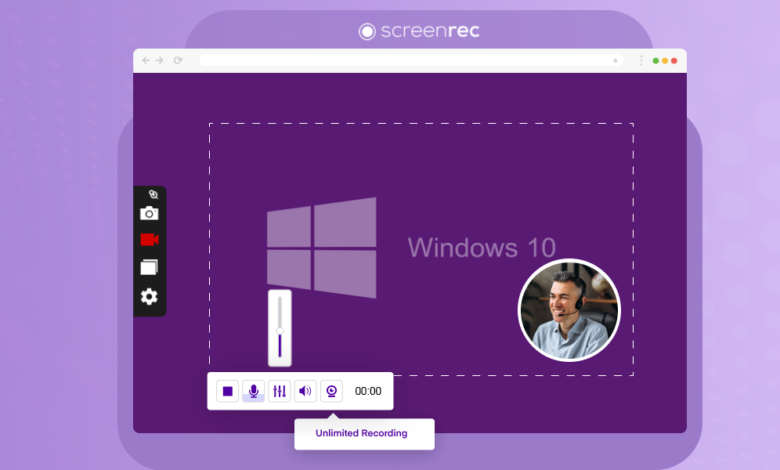
A screen recorder has quietly become one of the most practical tools in everyday digital life not because it is complicated or impressive, but because it solves a problem everyone runs into eventually.
Nobody Plans to Need One
Screen recording is never something people add to their routine deliberately. It always starts with a situation.
A manager needs to show a new hire how a system works. Writing instructions takes an hour and still leaves gaps. Recording the screen takes ten minutes and covers everything visually. A customer cannot figure out a product feature.
A support agent records a walkthrough once and shares it every time the question comes up. A student misses a live session and needs the material before an exam.
None of these people went looking for a screen recorder. The problem found them first and the recorder solved it faster than anything else could have.
What does it actually do?
At its most basic, a screen recorder captures what is happening on your display and saves it as a video. The better tools go further. They record your microphone alongside the screen.
They capture system audio. They let you add your webcam feed so your face appears while you walk through something. They give you the choice between recording your full screen, one specific window, or a single browser tab.
That flexibility is what makes screen recorders useful across such a wide range of situations from a five minute client walkthrough to a full length online course.
Three Things That Separate Good Tools From Forgettable Ones
Performance during recording is the first one. A recorder that maxes out your CPU the moment it starts running creates more problems than it solves. The tools worth using handle everything in the background without slowing anything else down.
Audio quality is the second. A recording with clear voice and clean system sound is dramatically more useful than a silent video. Most people underestimate how much audio matters until they watch a recording where it is missing or broken.
Editing inside the same tool is the third. Being able to trim the start, cut a section, and clean up the ending without opening a separate application keeps the whole process quick. That convenience adds up significantly over time.
Free Tools Have Come a Long Way
A few years ago free screen recorders were genuinely limited low quality output, heavy watermarks, thirty second caps. That has changed. Several free options today offer HD recording, simultaneous audio capture, and clean downloads without charging anything.
The trade-offs are usually a watermark on exported videos or a limit on recording length. For personal use neither of these is a serious problem.
If you want a reliable and smooth recording experience on Windows, iTop Screen Recorder is one free tool that covers everything without any complications.
Frequently Asked Questions
Do I need to install software to record my screen?
No browser based recorders work directly without any installation.
Can I record audio alongside my screen?
Yes, most tools capture microphone and system audio at the same time.
Will it affect my computer performance?
Good recorders use hardware acceleration and have almost no impact on performance.
Can I record one window instead of the full screen?
Yes, most recorders let you choose exactly what gets captured.
Are free screen recorders worth trying?
Many are fully capable the usual trade off is a watermark or recording length limit.
READ ALSO: Search Google or Type a URL: The Complete Guide You Need Today